
Everything Your Equipment
Needs, in One App
Track machine usage and complete maintenance on time
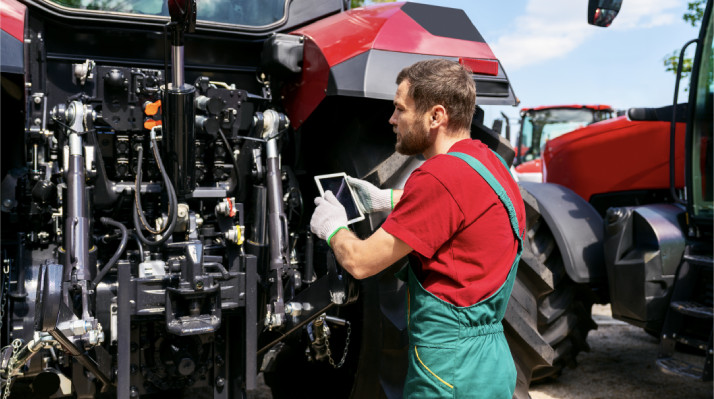
STX Garage Makes It Easy to Service Your Equipment On Time
Everything is tracked on the app
If you own machines, you know that service can be difficult to track accurately. It’s not that the information
doesn’t exist, but it can be difficult to track consistently. STX Garage solves this challenge by logging everything in one place:
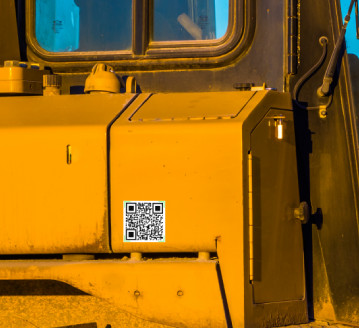
1. Place a QR Code on Every Machine
Every piece of equipment you own receives its own scannable QR code.
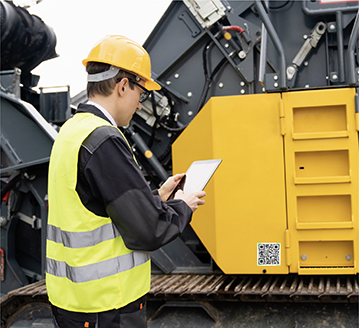
2. Scan It with the App
It will pull up your unit’s history: past service, hours logged, and any service needed.

3. Log Hours and Service as You Go
Routinely record use, fluid changes, and repairs in seconds. Then, the app can alert you when any type of maintenance is due.
4. Find a Dealer or Technician When You Need Service
When a machine requires work, STX connects you with a dealer or technician to handle parts and service.
Machine Owners, Operators and Service Technicians depend on STX Garage
Everyone can access the machine’s
history quickly
- Owners and operators receive the correct parts and service quickly, reducing downtime.
- Technicians can scan a machine’s QR code to understand exactly what’s needed without wasting time locating its history.
- Dealers help maintain the equipment they are the experts for.
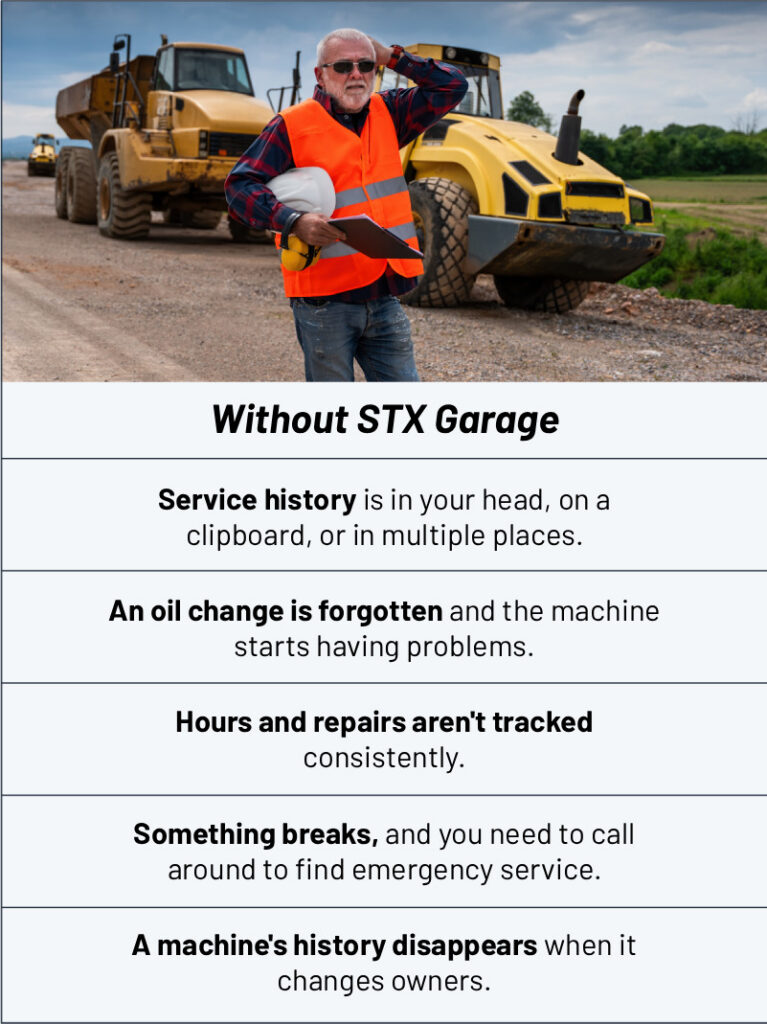
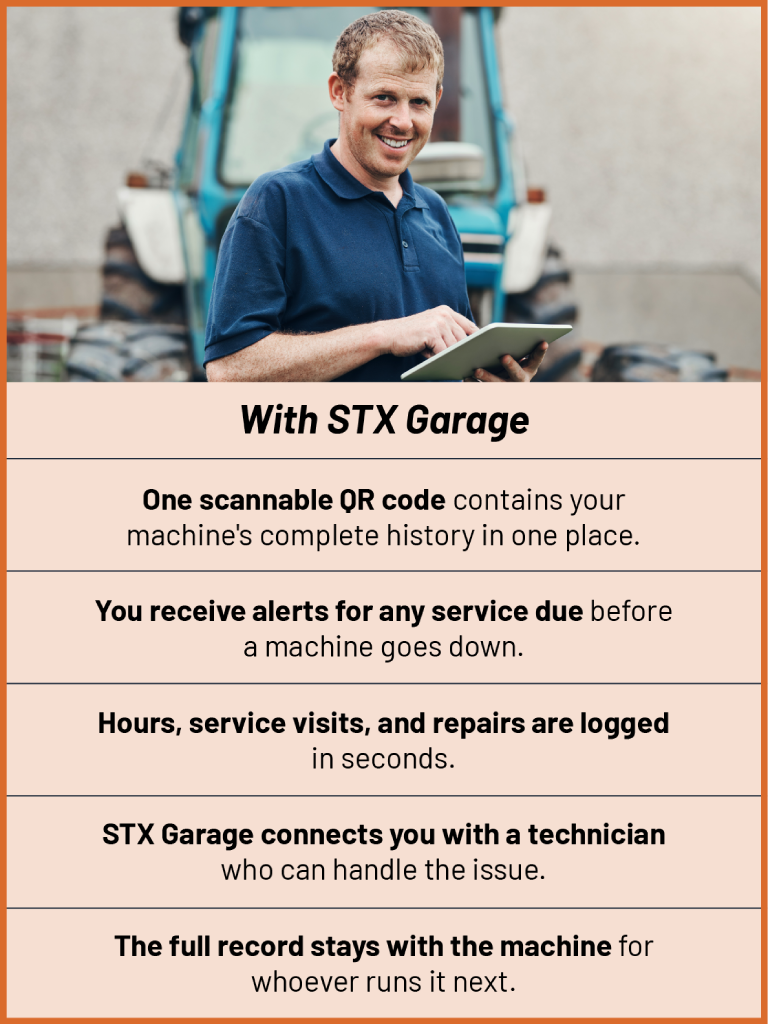
How STX Garage Is Better than Other Ways
of Tracking Maintenance
Frequently Asked Questions (FAQ)
Does STX Garage work for every kind of equipment?
If it needs regular service, it works. Owners use STX Garage across construction equipment, ag and outdoor machines, material handling, and power equipment—anything that needs to be maintained on schedule.
What if a machine already has a QR code?
No problem — just scan it. If a code’s already on the machine, STX pulls up whatever history is tied to it. If there’s no code yet, you add one in seconds.
How long does it take to set up?
A few minutes per machine. Stick on a code, register the unit, and you’re tracking. There’s no complicated onboarding. Just sign up and install the app, then add your QR codes to your machines.
How do I get service done through the app?
When a machine needs more than routine upkeep, your dealer will see that you need service, or STX Garage will match you with a dealer who can handle the parts and service—and they can see the machine’s history and what it needs in the app.